15 video interview templates for hiring success
Standardize your interviews with these 15 templates designed for one-way video formats. Clear questions, evaluation criteria, and role-specific examples included.


AI summary
- One-way video interview templates let teams screen high applicant volumes without endless phone screens. Structured questions plus AI-assisted review quickly surface who's worth a live conversation.
- A strong template is deliberately simple: 4-5 role-specific questions under 30 words, explicit recording instructions (time limits, retries, deadlines, tech), and a shared 1-4 scoring rubric for apples-to-apples comparisons.
- Scaling video interviews goes beyond speed. It's about defensibility and candidate experience. Standardized scoring, non-discriminatory prompts, accommodations, and encrypted data handling reduce inconsistency and compliance risk while widening global reach.
When you’re facing a high-volume of candidates per role, one-way video interviews help you screen everyone without phone-screening all of them. Templates make these interviews structured, consistent, and scalable. Especially when paired with AI-assisted review to surface who’s worth talking to.
This article includes 15 one-way interview templates designed to help you gather signal at scale.
What is a video interview template?
A video interview template is a predefined set of questions and instructions used during a video interview. It helps create consistency and structure when evaluating candidates.
There are two types:
- One-way (asynchronous): Candidates record answers on their own time.
- Live: Interviewer follows a structured script during a real-time call.
Templates typically include:
- 4–5 role-specific questions
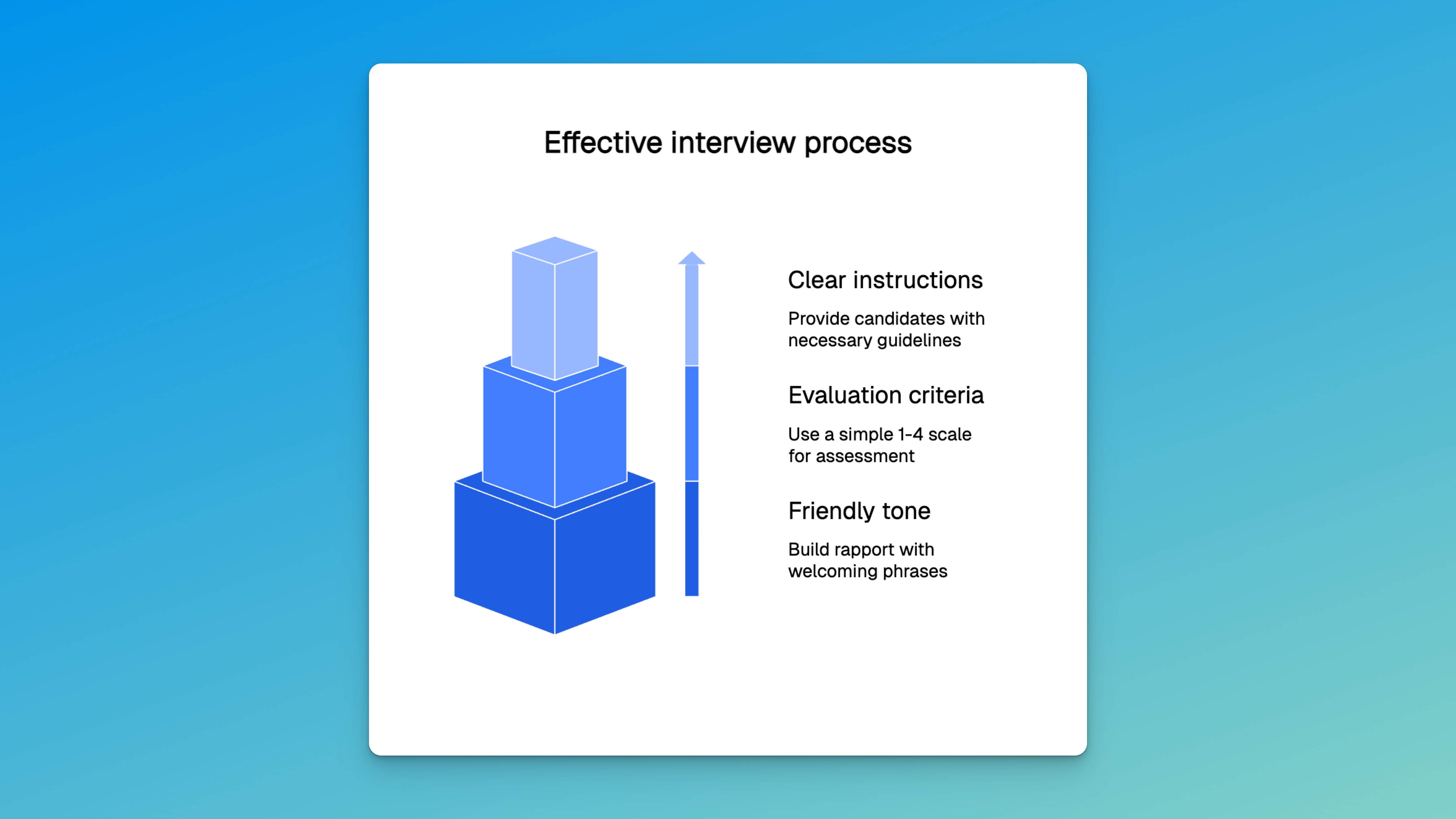
- Clear instructions
- Evaluation criteria
Why use templates?
They save time, create consistency, and standardize the experience.
| Aspect | Traditional interviews | Template-based interviews |
|---|---|---|
| Time per candidate | 30–60 minutes live | Review on your schedule |
| Volume capacity | Limited by interviewer availability | Screen everyone without phone-screening all |
| Consistency | Varies by interviewer | Same for everyone |
| Geographic reach | Limited | Global |
| Cost | Interviewer time at scale | Reduced coordination overhead |
Templates are especially useful in one-way interviews where flexibility is key.
Key elements of an effective template
1. Concise Questions
Keep questions under 30 words. Examples:
- “Describe a time you overcame a challenge.”
- “How do you prioritize under pressure?”
2. Clear instructions
Tell candidates:
- How long to speak
- Whether re-recording is allowed
- Submission deadline
- Tech requirements
3. Evaluation criteria
Use a simple 1–4 scale:
- 1 = Doesn’t meet expectations
- 4 = Exceeds expectations
4. Friendly tone
Build rapport with lines like:
- “We’re excited to learn more about you.”
- “Thanks for considering a role with us.”
How to invite candidates
1. Craft the one-way interview email template
Subject: Your Video Interview for [Role] at [Company] Body:
- Thank the candidate
- Explain the format
- Share the link
- Include the deadline
2. Share the link securely
Use email or a candidate screening platform like Truffle, which combines one-way video interviews, resume screening, and talent assessments with AI-assisted review to help you surface top matches faster. Include troubleshooting tips.
3. List technical requirements
- Chrome/Firefox
- 2+ Mbps internet
- Webcam/mic
- Quiet, well-lit space
4. Set clear deadlines
Let candidates know:
- When responses are due
- When they’ll hear back
- What happens next
15 video interview templates
Without further ado, here are the 15 templates.
1. General behavioral
Use for: Most roles Questions:
- “Describe a challenge you overcame”
- “Tell us about a team experience” Assessing: Problem-solving, teamwork
2. Software developer
Use for: Tech screenings Questions:
- “Describe a recent technical problem”
- “How do you ensure code quality?” Assessing: Technical depth, clarity
3. Customer service
Use for: Customer-facing roles Questions:
- “Describe handling an unhappy customer”
- “Define great customer service” Assessing: Empathy, communication
4. Sales representative
Use for: Sales roles Questions:
- “Describe your sales approach”
- “How do you handle rejection?” Assessing: Persuasion, resilience
5. Marketing coordinator
Use for: Marketing positions Questions:
- “Describe a successful campaign”
- “How do you measure success?” Assessing: Creativity, analytical thinking
6. Creative portfolio
Use for: Designers/creatives Questions:
- “Walk us through a favorite project”
- “How do you handle feedback?” Assessing: Presentation, openness
7. Leadership roles
Use for: Managers, team leads Questions: • “Tell us about a time you led through uncertainty” • “How do you support your team’s growth?” Assessing: Decision-making, people development
8. Entry-level positions
Use for: Interns, new grads, junior roles Questions: • “What motivates you to do your best work?” • “How do you approach learning something new?” Assessing: Coachability, drive
9. Environment fit
Use for: Any role, values-based screening Questions: • “What kind of team environment helps you thrive?” • “How do you give and receive feedback?” Assessing: Environment alignment, communication style
10. Project management
Use for: PMs, coordinators, cross-functional leads Questions: • “Describe a project you managed from start to finish” • “How do you manage competing priorities?” Assessing: Organization, leadership
11. Remote work readiness
Use for: Distributed teams, hybrid roles Questions: • “How do you stay focused when working remotely?” • “What tools help you collaborate with others online?” Assessing: Independence, remote communication
12. Seasonal or part-time roles
Use for: Retail, hospitality, support Questions: • “Why are you interested in this temporary position?” • “How do you handle changes in a fast-paced environment?” Assessing: Flexibility, reliability
13. Executive roles
Use for: Directors, VPs, C-suite Questions: • “What’s your approach to setting long-term strategy?” • “How do you influence company-wide initiatives?” Assessing: Vision, executive presence
14. Onboarding check-ins
Use for: New hires in their first 30–60 days Questions: • “What’s been most surprising about your first weeks?” • “Where could we better support you?” Assessing: Engagement, early friction points
15. Company intros
Use for: Pre-interview welcome or screening setup Questions: (Not applicable. This is a welcome format) Tip: Record a short intro video from the recruiting leader or founder Purpose: Set expectations, personalize the process
Personalizing your video interview templates
Here are three ways to personalize your video interviews.
1. Branding
Add your logo and brand colors to the platform.
2. Welcome videos
Add a short intro video from the recruiting leader. You can use these asynchronous interview video templates for inspiration.
3. Culture-driven questions
Tie questions to values. Example:
“If innovation matters, ask: ‘Describe a time you introduced a new idea.’”
Supporting fairness and compliance
Here are four simple ways to support fairness and compliance.
- Use the same scoring system
- Avoid discriminatory questions
- Offer accommodations
- Secure data with encryption and privacy policies
Modern platforms help automate this.
After reviewing responses
Once candidates have completed the interviews, take these next steps.
1. Shortlist
Use scoring to advance your strongest matches.
2. Communicate
Send rejections kindly. Thank everyone.
3. Improve
Track:
- Time-to-hire
- Quality of hire
- Candidate feedback
Summary: Why video interview templates matter
One-way video interviews paired with AI-assisted review help you screen more candidates in less time. AI surfaces summaries, match scores, and key moments. You decide who moves forward. This approach works especially well when hiring at scale or across time zones.
FAQs on video interview templates
What is a video interview template?
A video interview template is a predefined set of interview questions and instructions used during a video interview. It helps hiring teams evaluate candidates consistently and efficiently, especially in one-way (asynchronous) formats.
Why should I use a video interview template?
Templates save time, create consistency, and create a consistent experience for every candidate. They make it easier to compare responses and scale the interview process.
How do I create a video interview template?
Start with 4–5 job-specific questions, include clear instructions for candidates, and define a simple evaluation scale. You can customize templates with branding and welcome videos to reflect your company’s tone.
Can video interview templates be used in live interviews?
Yes. While most templates are built for one-way interviews, they also work in live settings to help interviewers follow a structured script and stay on track.
Do video interview platforms integrate with ATS tools?
Most modern platforms integrate with applicant tracking systems (ATS) like Greenhouse, Lever, and Workable. This allows for automatic scheduling, data sync, and easier candidate management.
How do I ensure candidate privacy in video interviews?
Use secure platforms that offer data encryption and have clear privacy policies. Check that they align with your compliance requirements (GDPR, CCPA, etc.). Always get candidate consent before recording and clearly explain how the recordings will be used.
What if a candidate doesn’t have the right tech?
Offer alternative formats like phone interviews or extended deadlines. You can also suggest quiet public spaces like libraries if needed.
How many questions should a video interview template include?
Keep it short. Most effective templates include 4 to 5 focused questions, each under 30 words, to avoid fatigue and increase completion rates.
What scoring system should I use to evaluate responses?
Use a simple scale like 1 to 4, where 1 = doesn’t meet expectations and 4 = exceeds expectations. This keeps evaluation quick and consistent across reviewers.
Can I personalize my templates for different roles?
Yes. Tailor questions to the role’s key skills and responsibilities. Add environment-specific prompts and use branding elements to keep the experience aligned with your company voice.